CSS PLAY
Doing It With Style


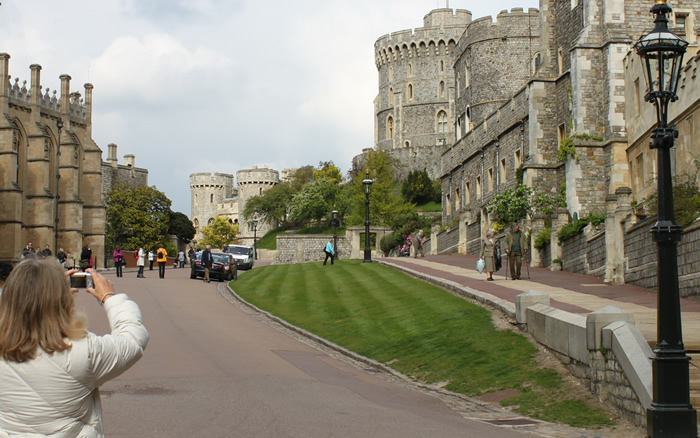
This article is about the castle in Windsor and is taken from Wikipedia, the free encyclopedia.
31st May 2010 - Original version playBOX.
I have been a little unhappy with the CSS 'lightbox' examples that can be found on the web, including those so far published on CSS play. The main problem is ease of use and having a satisfactory method of closing an open 'lightbox'.
So I have been trying to produce yet another 'lightbox' that addresses these problems and have come up with this ultimate version - 'CSS playBOX'.
This version works in all non-IE browsers using just CSS without the need for javascript, and, with just a small playbox.js javascript routine, will work in all versions of IE. Hopefully IE9 will include support for the :target pseudo-class and will allow this to work in future versions of IE without resorting to javascript.
The working of this is so simple and allows you to use any method of linking to the pop-up panel, including, images, lists and inline links. The pop-up panel can be styled in any way you like using the stylesheet and you also have the option of having the pop-up panel with a fixed position so that the page scrolls under it or absolute positioned so that it scroll with the page.
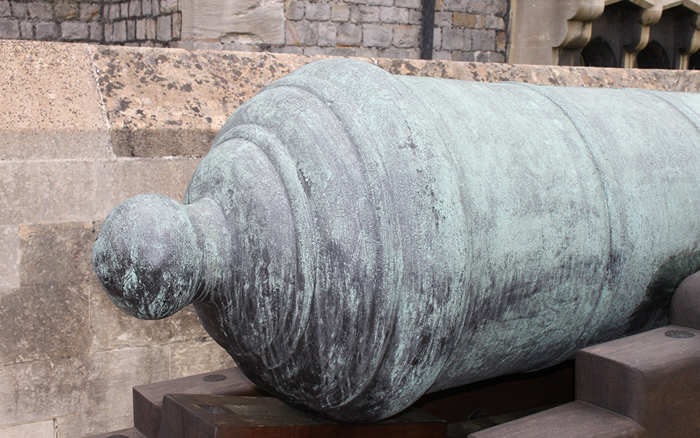
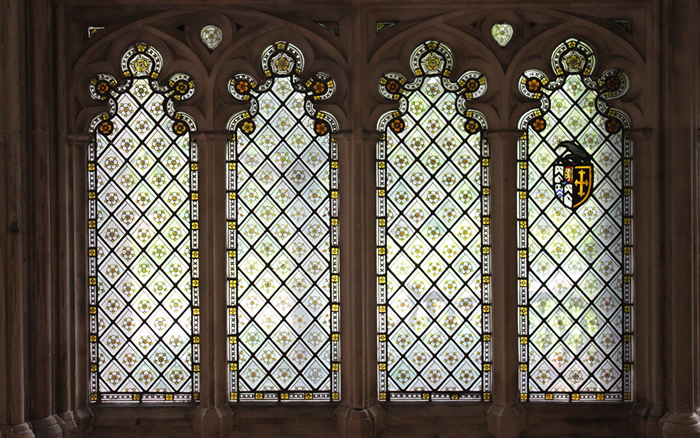
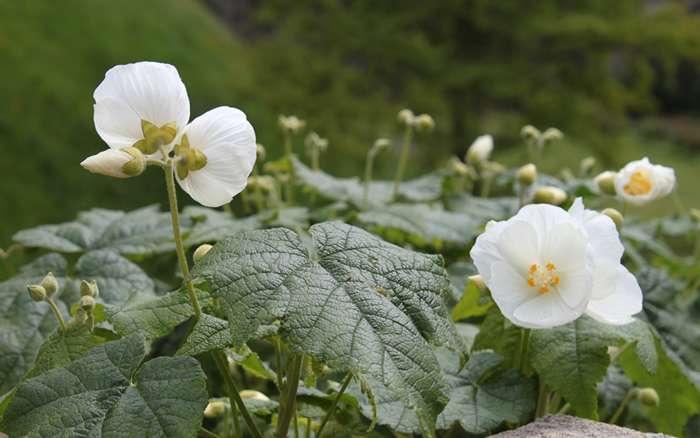
The example above uses photgraphs that I recently took at Windsor Castle and Gloucester Cathedral and shows linking using thumbnail images and an unordered list of links. I have also included an inline link which will pop-up an information panel which can also contain links to other pages.
So clicking any of these links will show the 'playBOX' in the ususal lighbox fashion with a closing 'X' positioned at the bottom right corner of the panel. Again this can be styled anyway you like using the stylesheet.
All it takes is for the links to have a classname 'playbox' and the href as a 4 character code (in my examples I have used href="#p001" etc.). The pop-up information is then placed at the bottom of your page with the <body> element as the parent and having the classname 'lightbox' and the same id as the href code. For example <div class="lightbox" id="p001">.
1st June 2010 - Enhanced version playBOX v2.
Adding a couple of extra features to the original playBOX to give a Previous/Next function so that you do not need to return to the thumbnails to see the images sets, and for Safari and Chrome there is a transition between the current image and the previous/next image to give it a feel more like the original javascript lightbox.
9th July 2024 - Converted to a responsive layout.
Windsor Castle, in Windsor in the English county of Berkshire, is the largest inhabited castle in the world and, dating back to the time of William the Conqueror, is the oldest in continuous occupation. The castle's floor area is approximately 484,000 square feet (44,965 square metres).
Together with Buckingham Palace in London and Holyrood Palace in Edinburgh, it is one of the principal official residences of the British monarch. Queen Elizabeth II spends many weekends of the year at the castle, using it for both state and private entertaining. Her other two residences, Sandringham House and Balmoral Castle, are the Royal Family's private homes.
Most of the Kings and Queens of England, later Kings and Queens of the United Kingdom, have had a direct influence on the construction and evolution of the castle, which has been their garrison fortress, home, official palace, and sometimes their prison. Chronologically the history of the castle can be traced through the reigns of the monarchs who have occupied it. When the country has been at peace, the castle has been expanded by the additions of large and grand apartments; when the country has been at war, the castle has been more heavily fortified. This pattern has continued to the present day.
X