
CSS PLAY
Doing It With Style

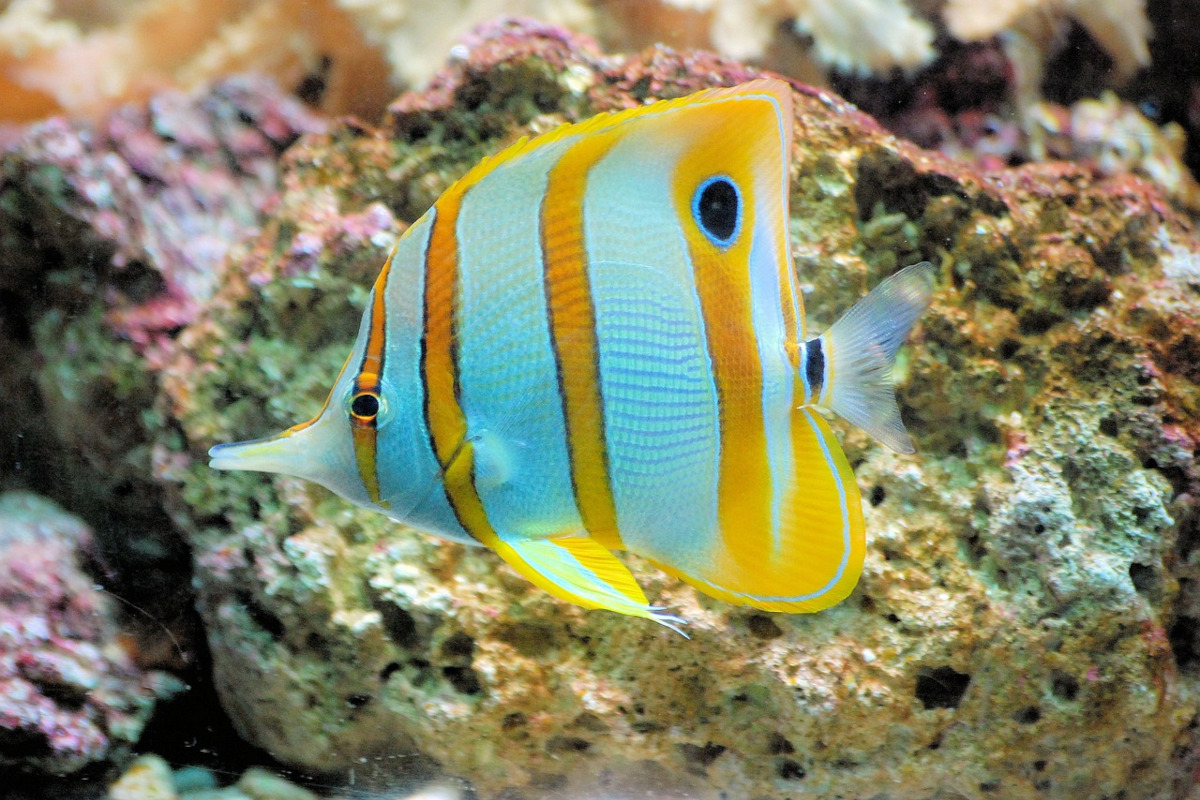

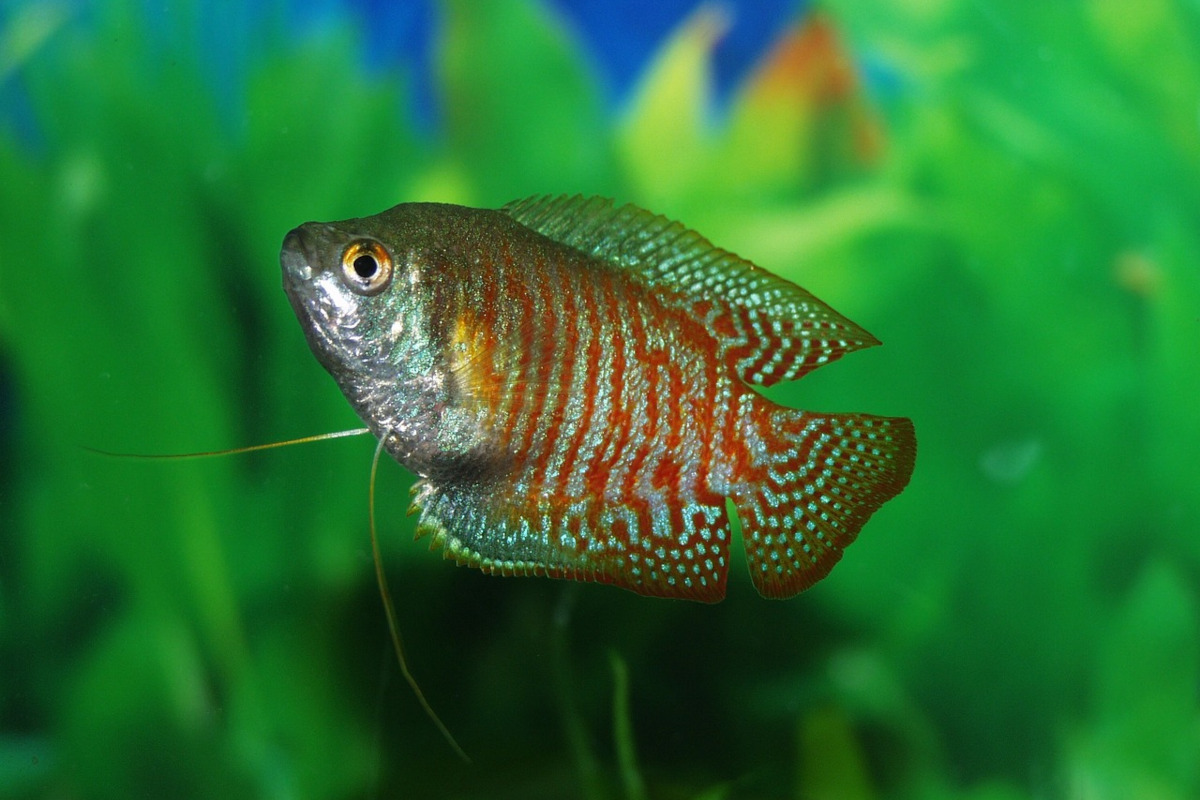

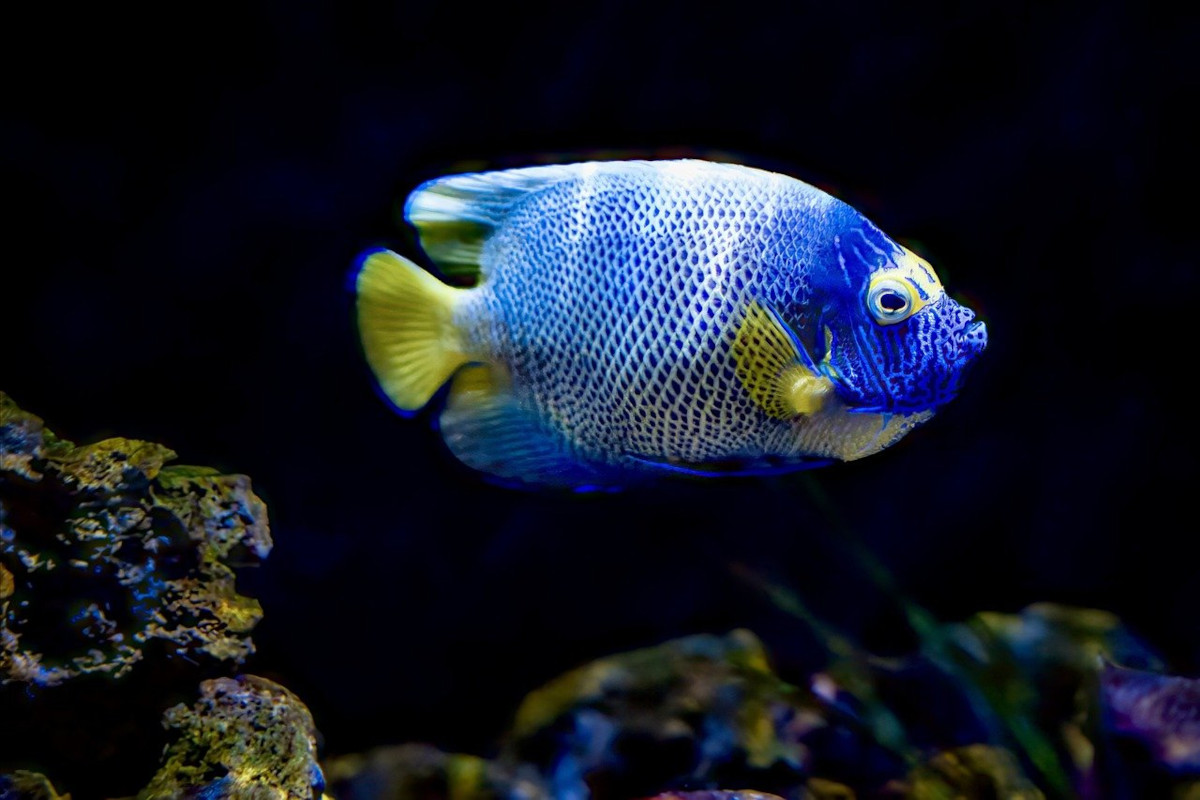
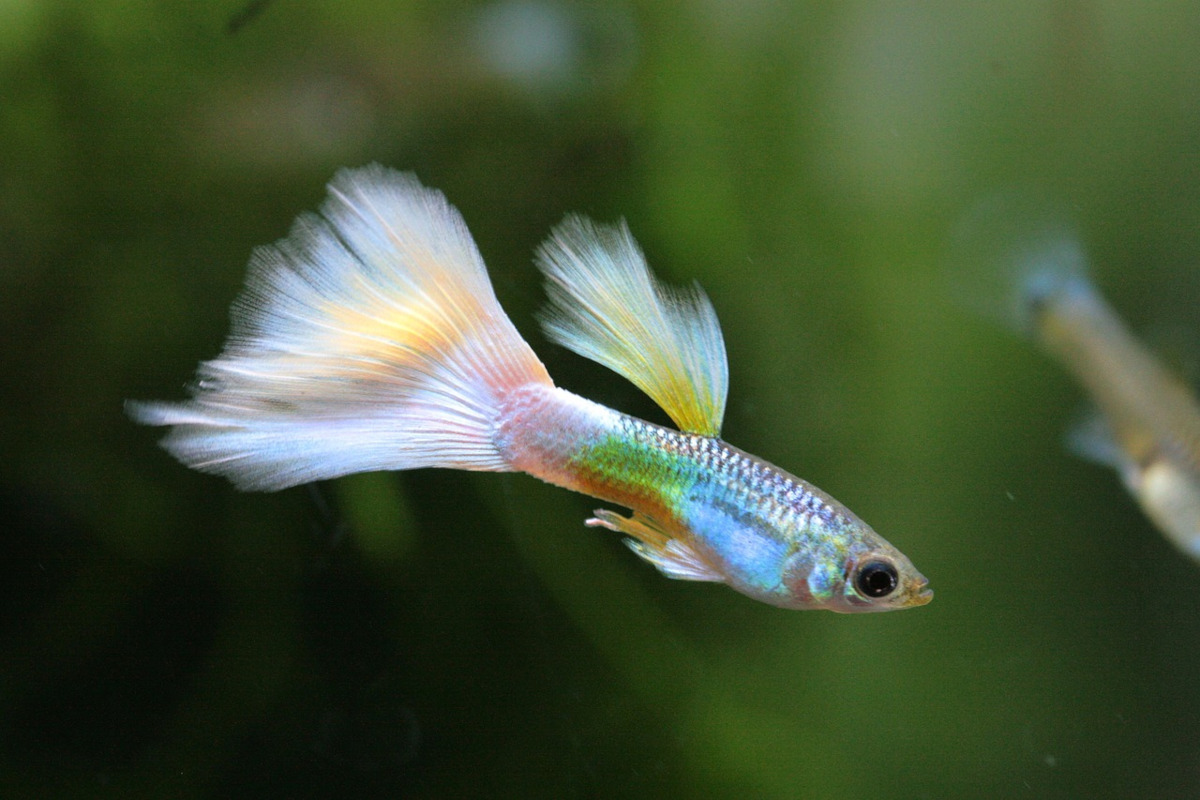

No javascript or jQuery, just HTML and CSS.
I have been trying to do this for several years without success, but now, with support for @keyframes animation of CSS variables, I have found a working answer.
This is a slider which can be switched from automatic to manual and back to automatic without a jump in image from one to the other.
Also when moving from one image to the next, when manual mode is selected, there is no slide across images between selection.
It is just a pity that Firefox does not yet support @keyframes animation of CSS variables 13th February 2024 so I have this browser switched to manual mode only.
The slider starts with the images sliding, but if you click/tap a thumbnail image the slider will switch to manual mode.
The clicked/tapped image will be the next image to appear in the slider.
When in manual mode there is a 'play' icon at the bottom center of the slider. Click/tap this icon to switch back to auto mode which will continue from the current image.
Switching back to auto mode will start from the current image and will slide to the next image after a short period.
The HTML is very simple and the CSS can be easily updated to any number of images.
The @keyframes slide timing will need to be recalculated for a change in the number of images.
It is a pity that calc() cannot be used for the @keyframes timings.